
By: Otaiba Ahsan
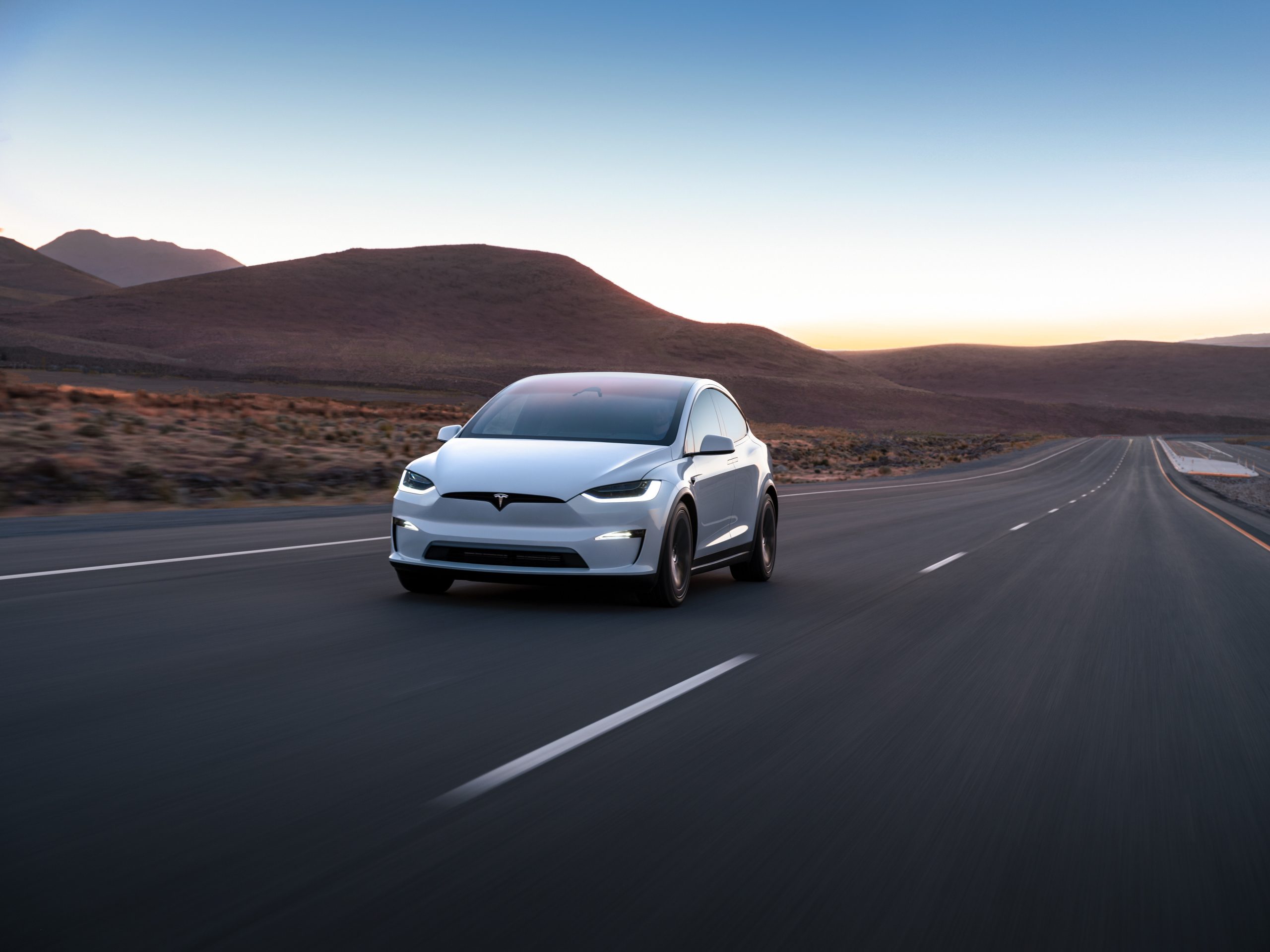
Both the Tesla Model S and X have incredibly powerful headlights that help provide visibility for safe driving in dark conditions. In fact, they’re so strong that I’ve seen on several occasions, drivers getting upset at Model S or X owners who thought their high beams were on, even when the normal settings were engaged. Those drivers would be in for a surprise if they saw the actual high beams in use! Continue for steps on how to turn on the high beam headlights in the Tesla Model S and Model X
Normal Headlights
All the exterior lights are set to Auto each time you start your Model S or Model X. This includes headlights, tail lights, side marker lights, and more. The Auto feature examines the environment and determines what combination of lights is best to engage during that time. To adjust any headlight settings, tap Controls > Lights when in your Tesla. You can then choose from a few different options:
- Off: Turn all exterior lights off. However, depending on the region you’re in, daytime running lights may remain on due to regulations.
- Parking: Buy toggling this setting, parking lights, side marker lights, tail lights, and license plate lights will turn on, if they’re not already.
- On: Low beam headlights, side marker lights, parking lights, tail lights, and the licence plate lights will all turn on, if they’re not already.
If you change to a different setting, the lights will always revert to Auto on your next drive.
TIP: The rear tail lights are off when daytime running lights are on. However, it’s vital that they remain on during low rear visibility conditions. These include dark, foggy, snowy, or wet environments. If they’re not on, it can result in dangerous situations.
High Beam Headlights
The high beams in the Tesla Model S and Model X are powerful. By default, the Auto High Beam (sometimes called Adaptive Headlights) setting is enabled. This will automatically engage the high beams when the vehicle deems necessary and will switch to low beams when there is a light detected in front of the car.
NOTE: In my opinion, the Auto High Beam setting needs improvement. When enabled, I found that it would switch to the low beam setting far too late, and it would be inconvenient for other drivers. For that reason, I keep this setting off.
To control Auto High Beam, tap Controls > Lights > Auto High Beam and then you can toggle it on or off. However, if you’re using the Autosteer feature, then the Auto High Beam setting will automatically be enabled and cannot be toggled off.
Manually Turning on High Beam Headlights
If you’re not a fan of the Auto High Beam setting like me, then you can toggle it off using the steps above. However, if you want to manually use the high beams, you can do so in two ways:
- Temporary Use: To temporarily use the high beams, pull the turn signal stalk towards you, which is a similar setting in most gas-powered cars as well. When you let go, the high beams will turn off again. This is useful if you need to quickly use your lights for visibility, or to communicate with another driver.
- Consistent Use: If you want to manually turn your high beams on and keep them running, then simply push the turn signal stalk forward. These will keep the lights on for as long as you want, and when done you can pull the stalk back to disengage.
NOTE: If you have the yoke steering wheel, then there’s a button located on the left side above the scroll wheel that’s meant for the high beam headlights.
The Bottom Line
The steps to turn on the high beam headlights in the Tesla Model S and Model X are straightforward. If Auto High Beam is enabled, then no action is required from you. It’ll simply turn on and off when the vehicle deems it appropriate. However, if this feature is disabled, then you can temporarily turn on the high beam by pulling the turn signal stalk towards you. It’ll turn off when you let go. Lastly, if the Auto High Beam setting is toggled off, you can also push the turn signal stalk forward and this will keep the high beams on until you pull it back.